How to restart your computer
- This is a great and easy fix but, please
keep in mind if you have ongoing files or projects that you are not 1000% sure
are saved, make sure one last time before restarting.
- Click on the windows symbol, it should look something like this:

- You'll be prompted with a little tab, on this tab find the power button. On windows 10 it will look like this:
-
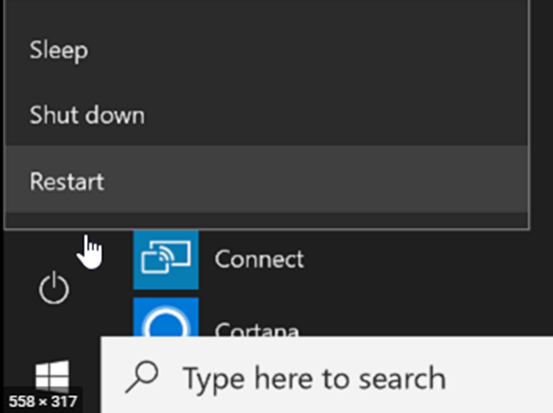
- On windows 11 it will look something like this:

- After clicking restart, your computer will shut down and boot up again.
- From here, see if your problem persists. If so, contact us at helpdesk@allthingsvault.com
Related Articles
Common issues
1. Computer is slow? This can happen for a number of reasons, but the biggest reason is the computer having been open or on too long. Simply restart your computer to see if this solves the issue. See the guide here
Record A New Sound On Your Computer
if you press the windows key, and type "Sound Recorder" you should get an icon that looks like this: Then this window will pop up, you can start a recording by clicking the big red circle in the center bottom. It might prompt you for access to your ...